by
Tebi
/
The New Inbox: every guest message in one place.
Reservations admin eats hours of your week. Your host or front-of-house fields the same questions over and over, piecing together requests from too many channels. It's tedious work, and it adds up. We've spent the last few months focused on Reservations to give that time back.
Introducing Tebi Inbox
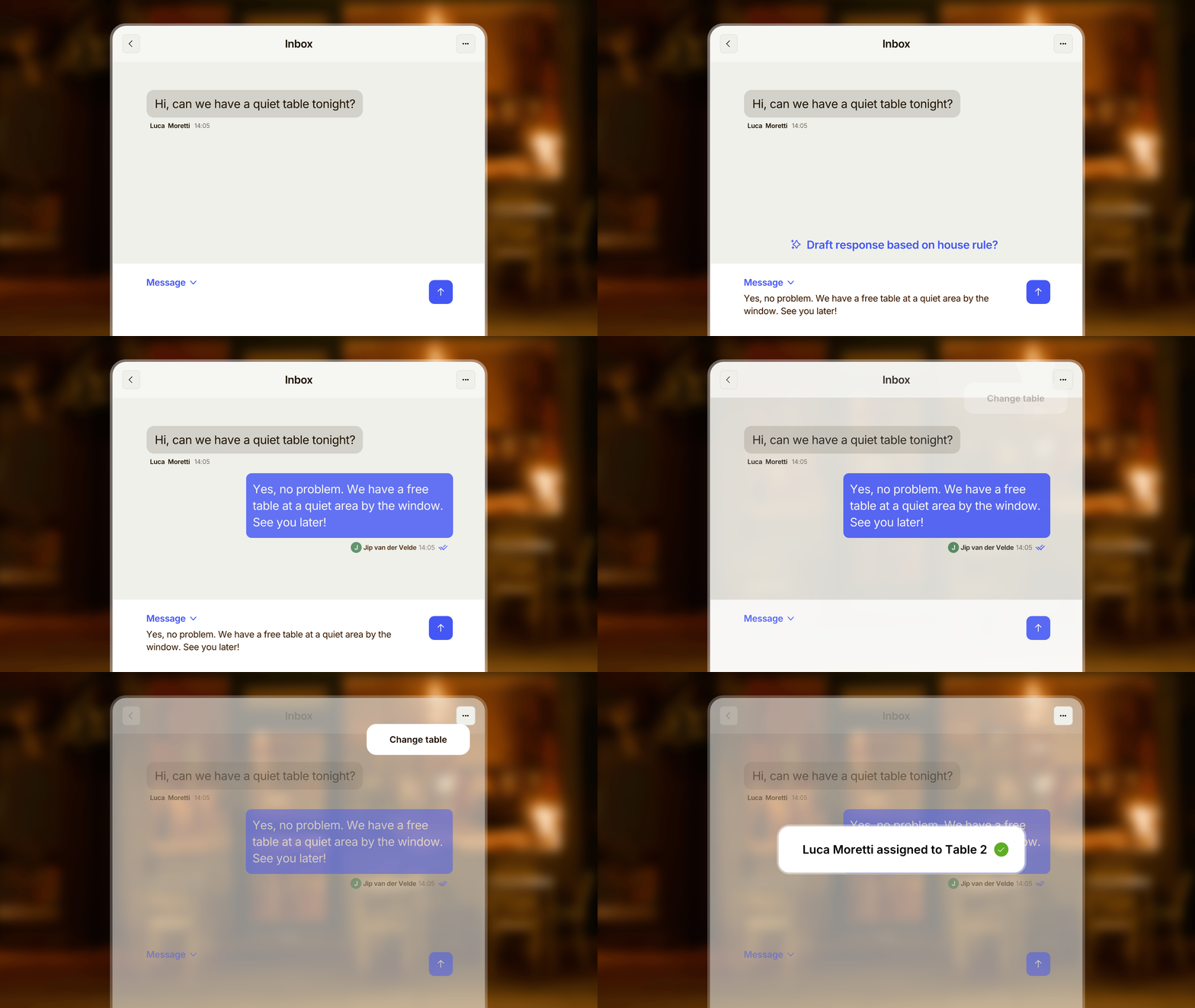
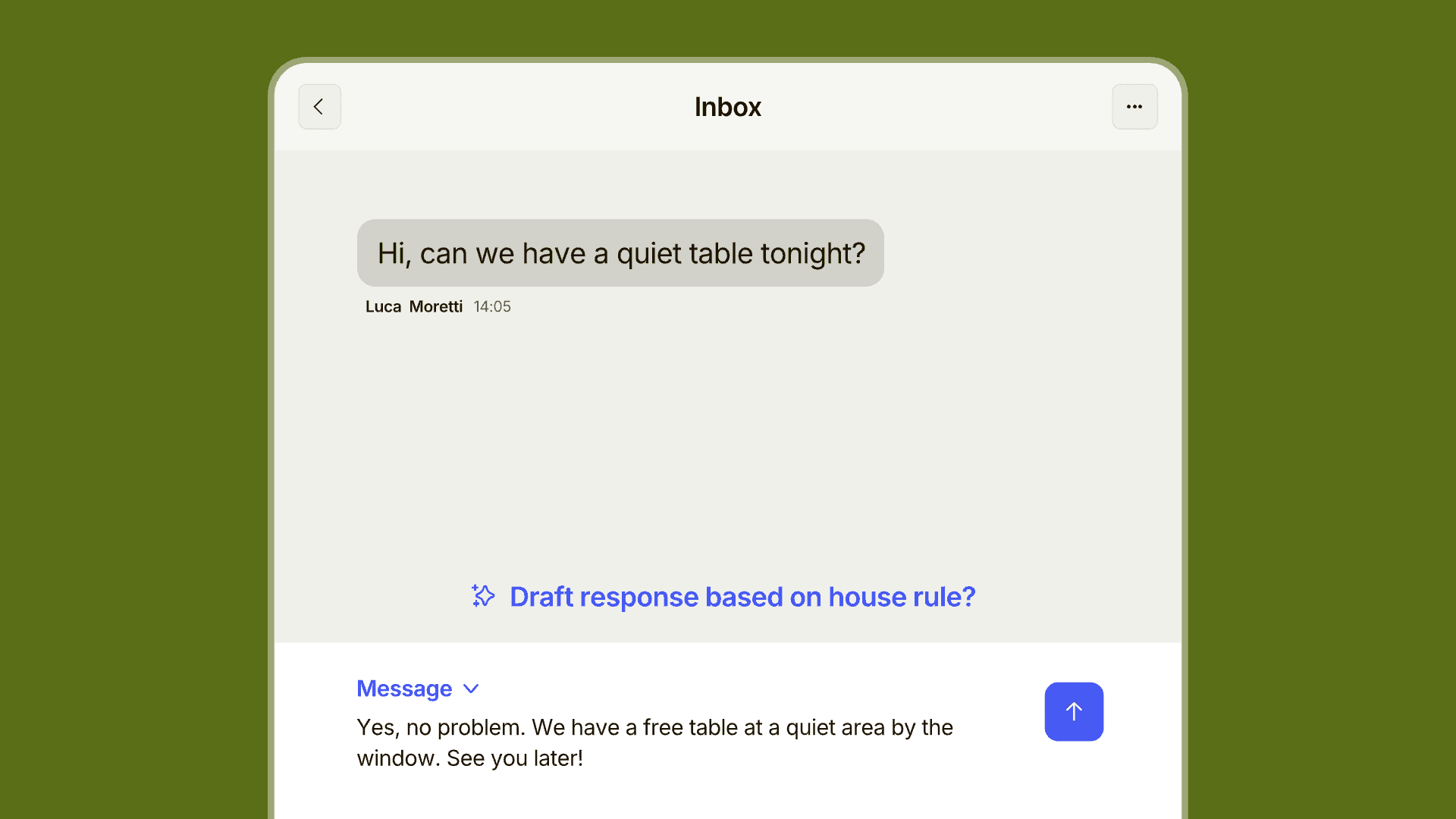
Inbox is one place for every reservation message, with suggested replies based on your preferences and policies. See, act, and respond to every guest message in one place, right alongside the reservation. Set house rules to generate replies faster for your most common questions, and turn messages into actions in seconds: update a reservation, or route an allergy note straight to the kitchen, without switching between tools.
We've been testing it with a handful of restaurants, and the feedback speaks for itself.
Faster check-in on your Agenda
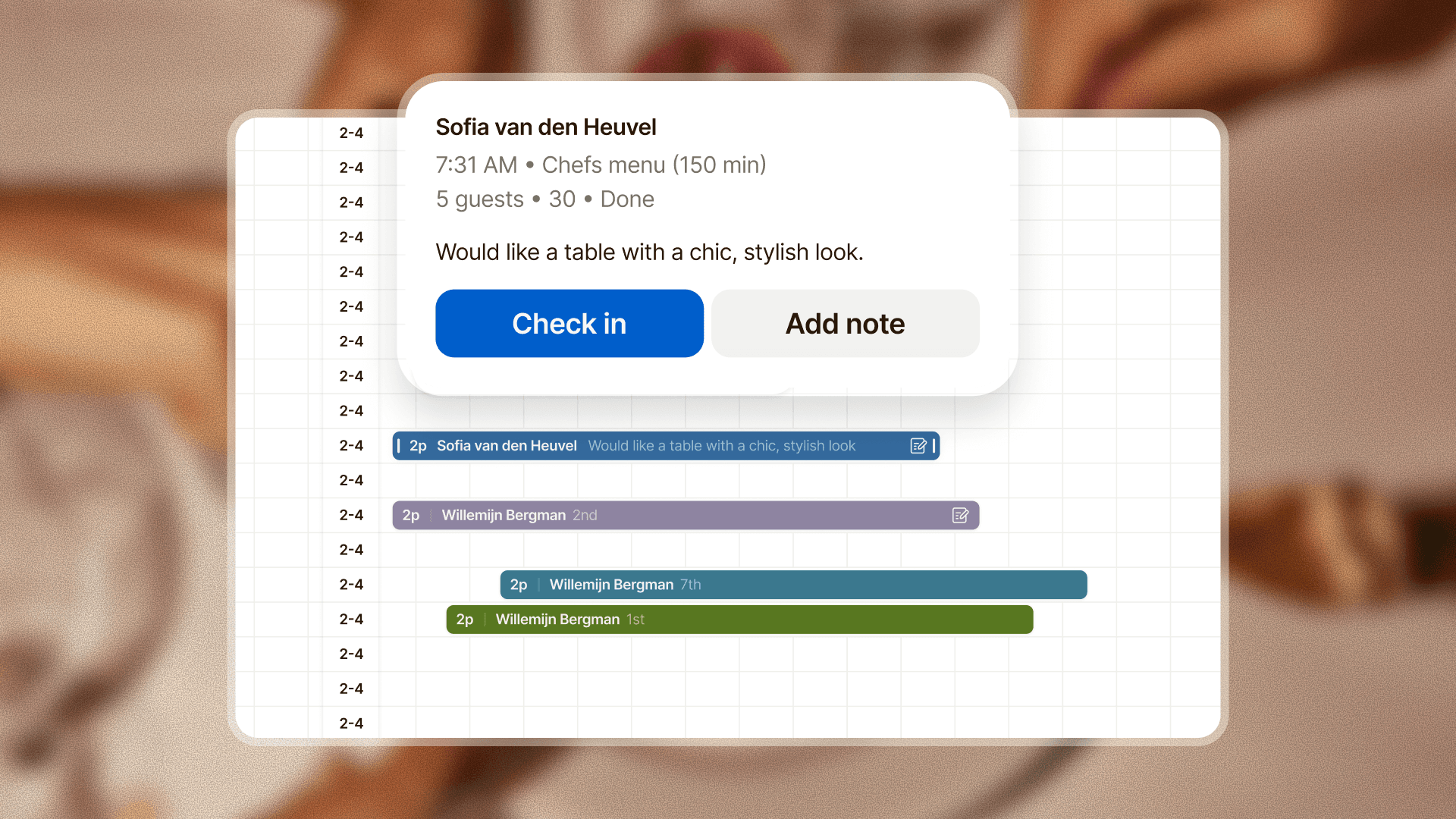
During the rush, every second spent tapping around at the host stand is a second you're not with a guest. The timeline now has quick-action buttons on the hover preview card for the things you do most often: checking in a guest, placing a waitlisted booking, or sending a note straight to the kitchen. No digging, no switching screens.
There's also a new agenda overview bar to zoom out of your night, your full service in one glance, a red marker on the current moment, and one click to get anywhere.
Send allergies and notes straight to the kitchen
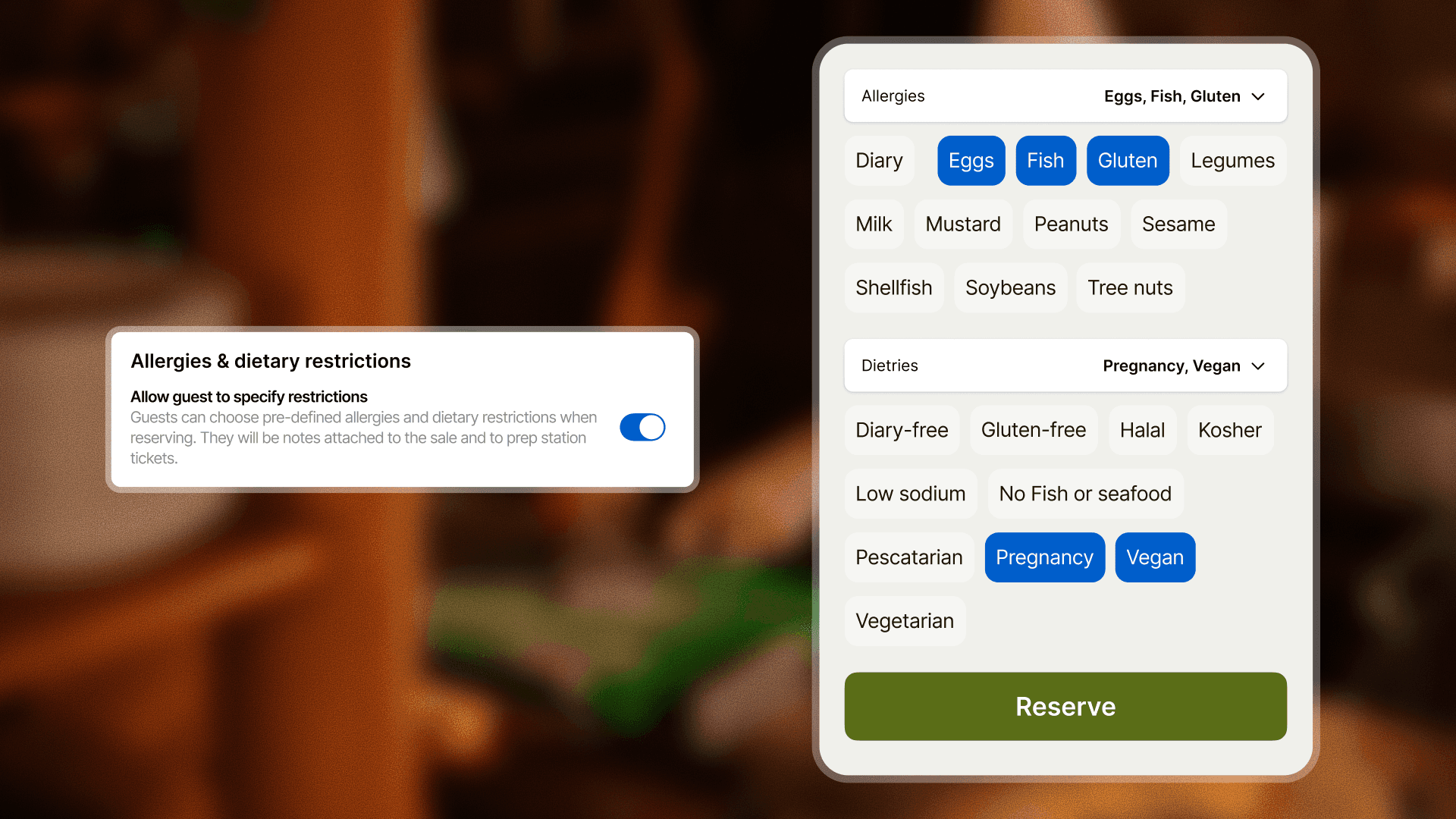
Guests can now select their allergies and dietary preferences from a pre-set list when making a reservation. Once the feature is activated, guests are guided through pre-defined fields at booking, with a note automatically sent to your sale and prep stations.
Smaller improvements worth knowing about
Double tap to increase quantity. Tap a product twice in the order list to increase its quantity by one.
Reservation widget redesign. Guests can now pick a date, party size, and time in a cleaner, more intuitive flow.
Multi-language privacy & terms. The privacy & terms page now matches the language selected in the rest of the widget, so guests no longer hit an English-only page when booking in their own language.
Read the full list on the changelog >
Questions about any of these features? Reach out at support@tebi.com.