by
Tebi
/
Take control before the summer rush arrives.
Summer is the busiest stretch of the year for most hospitality venues. More covers, more walk-ins, more staff on the floor, more things that can go wrong mid-service. The last thing you need is to be figuring out who has access to what, why your day-end is taking forever, or where a marketing campaign is actually converting.
v1.75 is about giving you control before the rush arrives. Here's what's new.
Control exactly what your team can do
More staff means more people touching your system — and until now, Tebi didn't give you much say in what they could see or do.
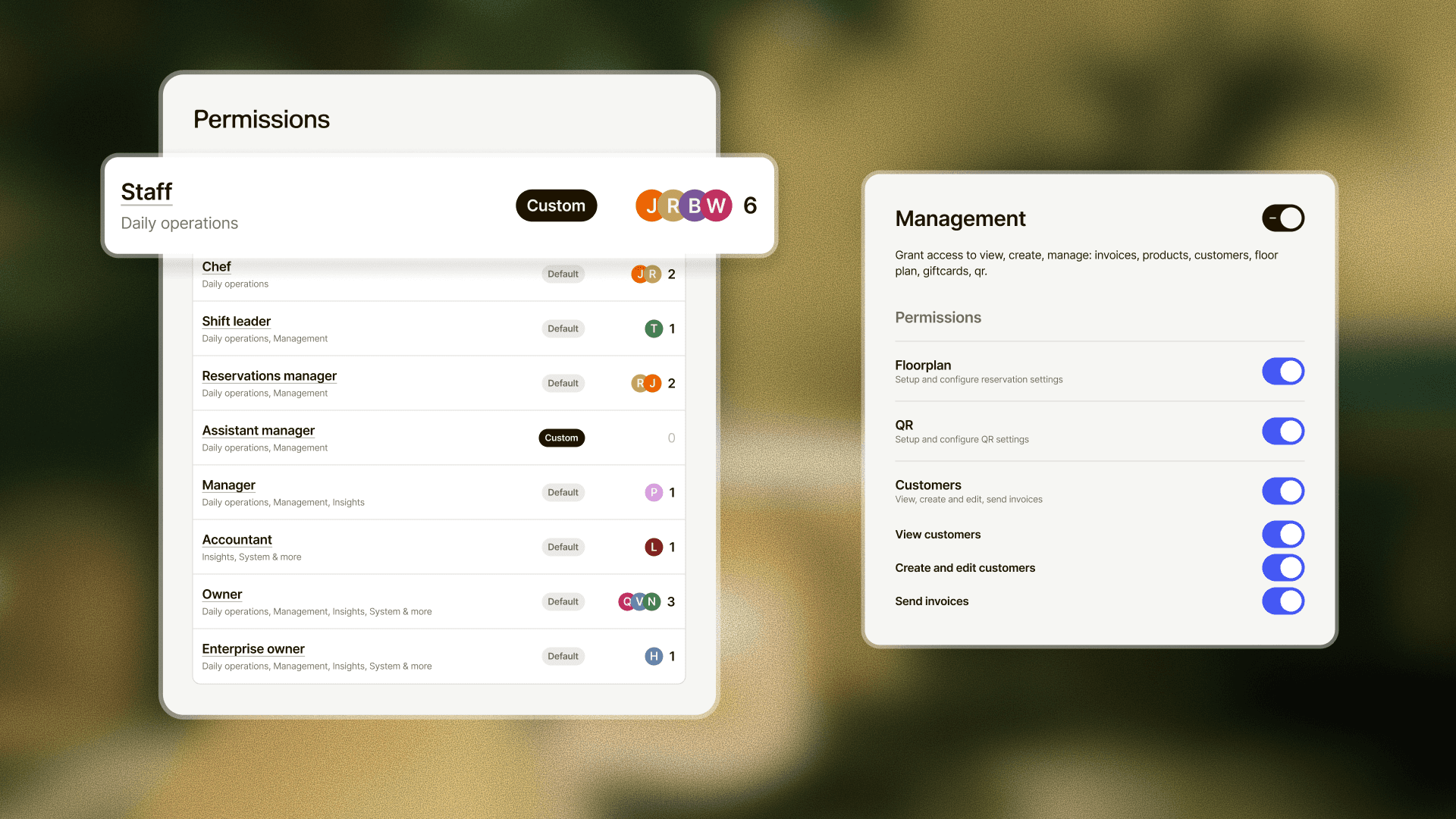
User Groups & Permissions changes that. You now have a set of ready-made roles: Staff, Manager, Shift Leader, Accountant. Each one comes with a defined set of actions. Your chef doesn't need to see your sales reports. Your front-of-house team can run the till and check in reservations without access to your account settings. Your accountant can pull takings without touching anything on the floor.
Each group is configurable, and you can reset to defaults any time. The goal was one clear decision when you onboard someone new: what role does this person have? Tebi handles the rest.
A new Day Overview to close the day with confidence
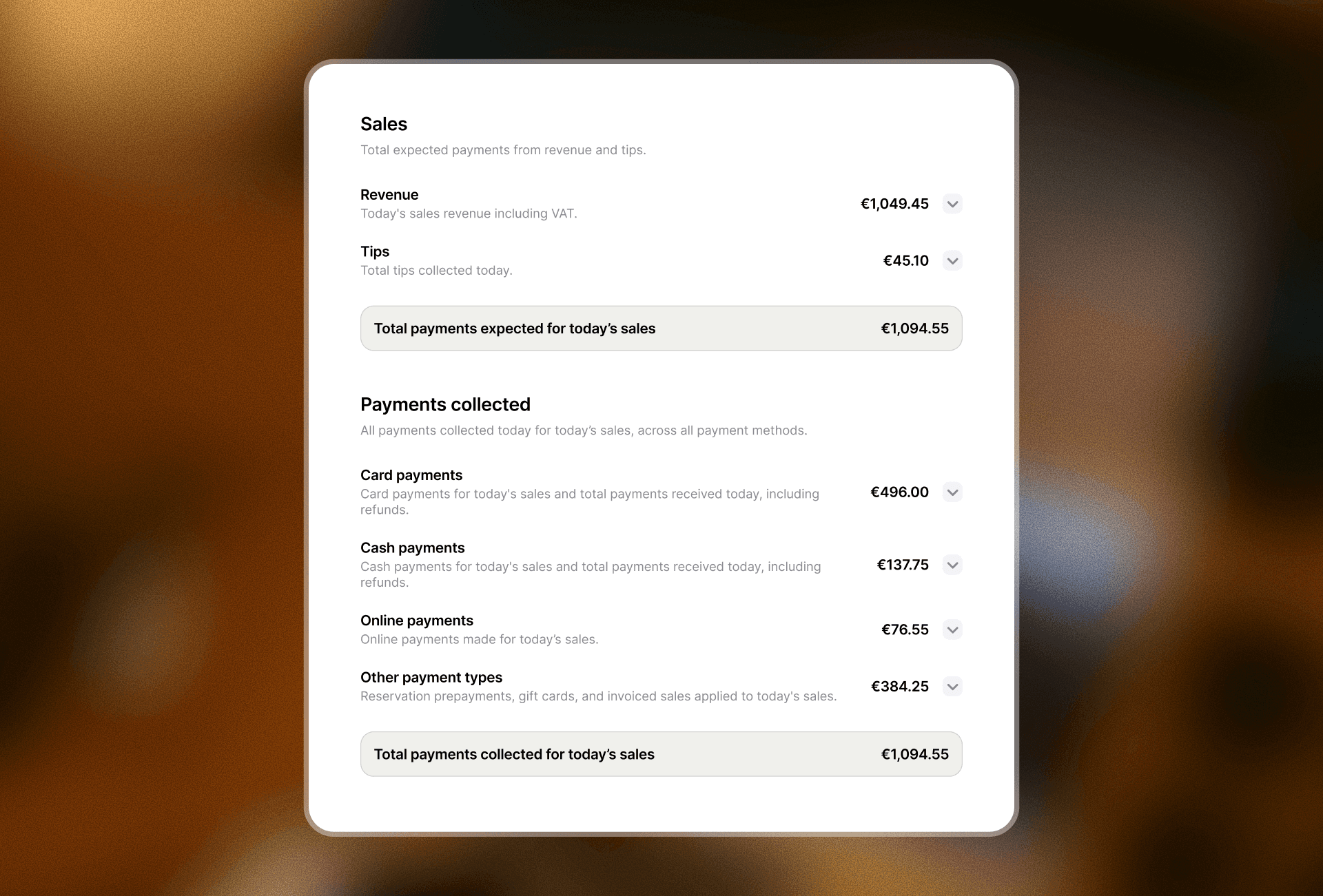
End-of-day used to mean piecing together a picture from different places. The new Day Overview puts it all in one screen.
Total payments, a breakdown by payment type, and deposits for future reservations are now shown separately — so you can see what came in today versus what's already committed to a future booking. It's a cleaner close, and a clearer read on where you actually stand at the end of a service.
Available on the POS, in the Back Office, and as a printed receipt.
Brand new colours for your product tiles
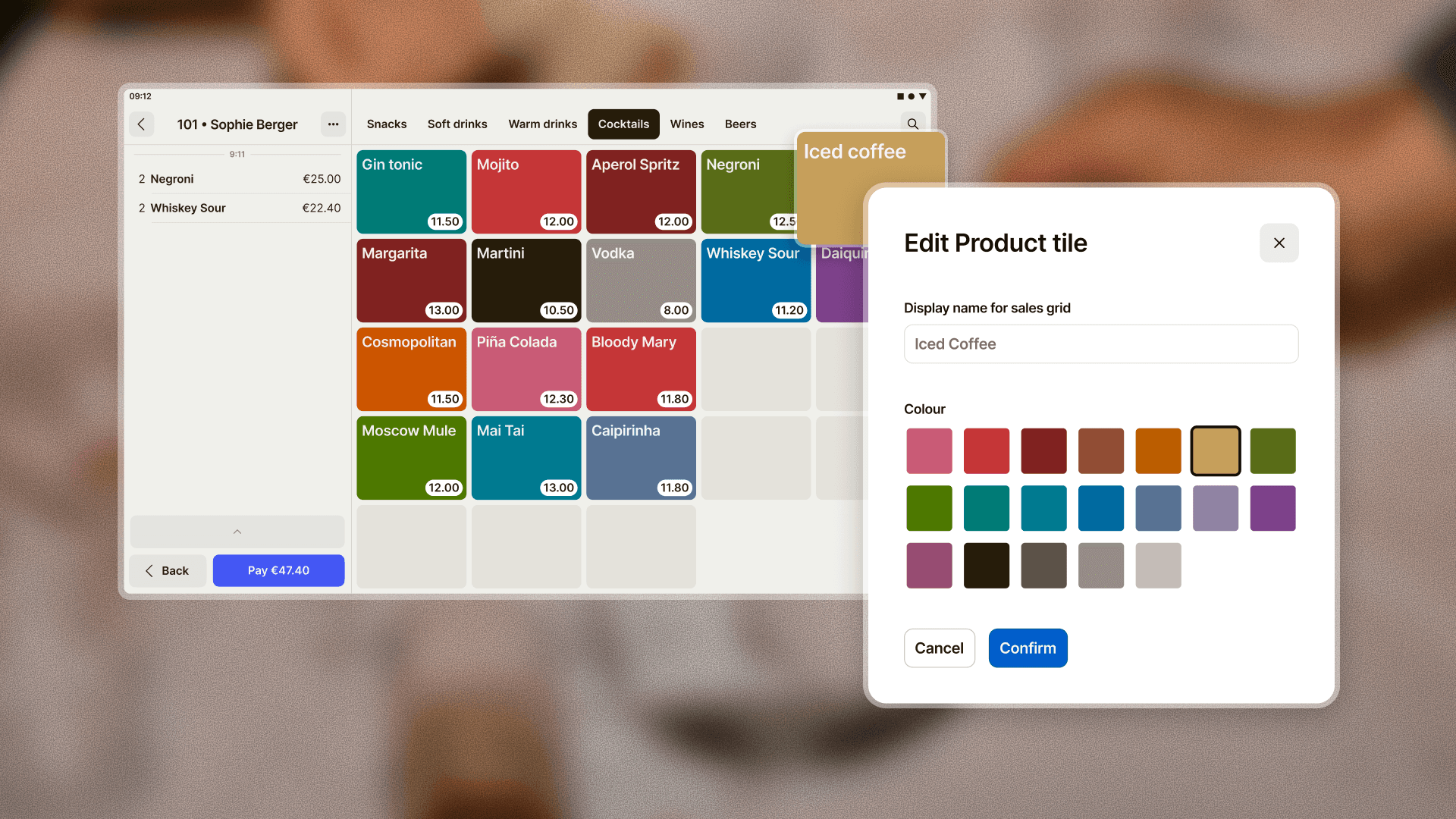
When the floor is slammed, your team shouldn't be squinting at a grid of identical-looking tiles.
Product tiles on the sales grid now have 10+ new colours to choose from. It's a small change with a real effect: colour-coding by category, by course, or by station means your team can find what they need without breaking stride. Less hesitation at the till, fewer mistakes during a rush.
Go to Back Office > Menu to update your grid colours now.
Track which marketing campaigns are filling tables
If you're running campaigns this summer — paid social, Google Ads, influencer partnerships — you've probably had no way to know which ones are actually turning into bookings.
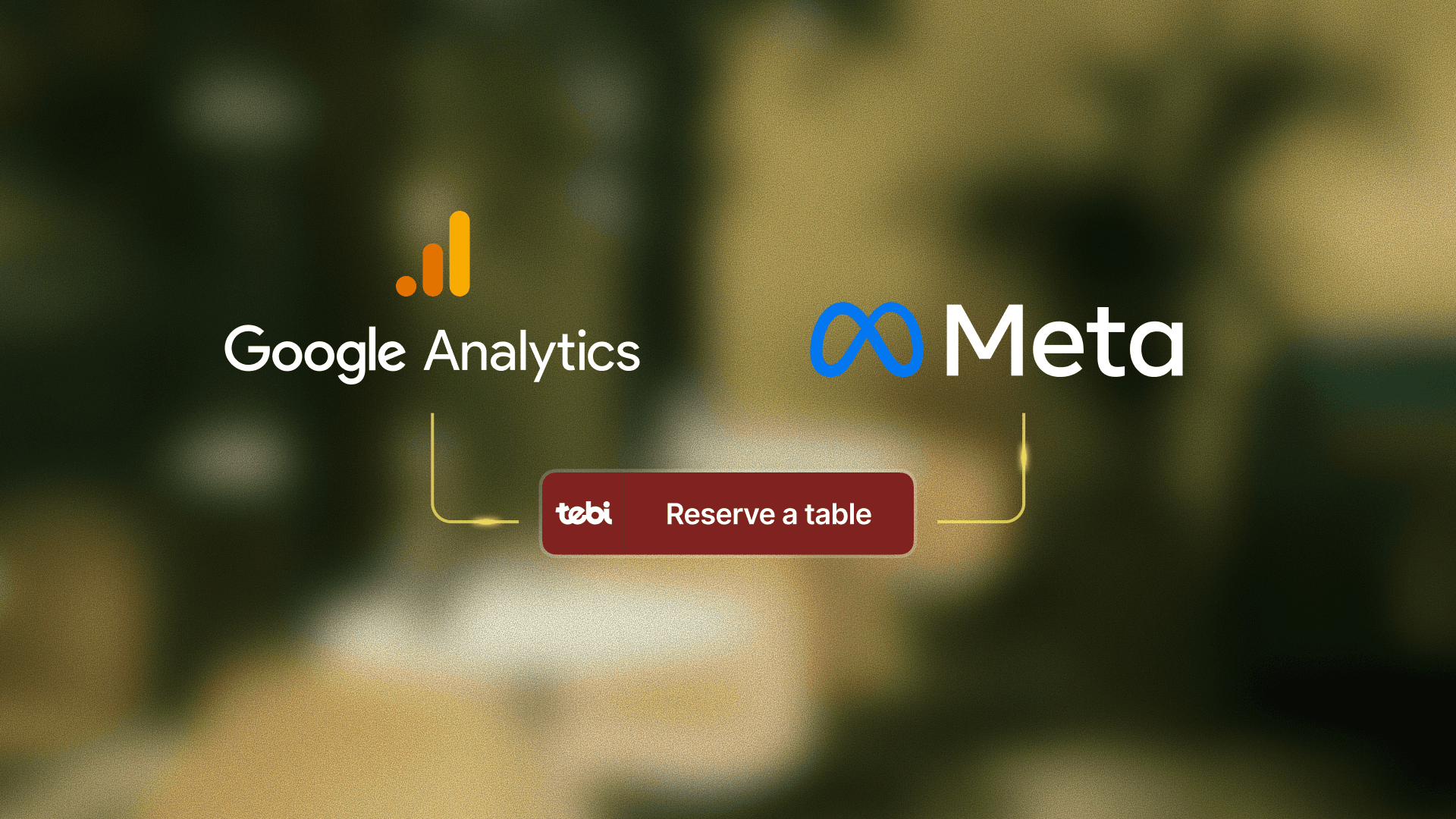
You can now connect Google Analytics and Meta Pixel to your Tebi booking widget. Page views are tracked automatically as guests move through the booking flow, so you can see where they drop off, which campaigns are converting to confirmed reservations, and build retargeting audiences from people who started a booking but didn't finish.
Go to Back Office > Widget Settings to add your GA4 Measurement ID or Meta Pixel ID.
Smaller improvements worth knowing about
A handful of other changes shipped with v1.75 that will quietly make a difference across the week:
Reservation conflict management. When a table conflict comes up mid-service, Tebi now suggests a fix — swap, squeeze, or move — so your host resolves it in one tap instead of starting from scratch.
Inventory improvements. Stock adjustments happen faster, and when a product runs out, Tebi stops selling it automatically. No more toggling items off mid-service when the kitchen is already slammed.
QR ordering settings, redesigned. A cleaner layout so your settings are easier to find and manage.
Printable reservation overviews. A clean printed layout of your full reservation list for the host stand or kitchen — one tap.
Reconfirmation emails. Prompt guests to reconfirm their booking ahead of their visit, without chasing anyone manually.
Read the full list on the changelog >
Summer is coming. Update to v1.75 on iOS or Android and get these features set up before the first busy weekend.
Questions? Reach out at support@tebi.com.