by
Tebi
/
Improved loading times, guest email controls, and what's coming on Reservations.
It's spring cleaning time, and this month we've tidied up some things to make Tebi run faster. We've refreshed core parts of our system, sped up app loading, and made the sync from sale to payment snappy, especially on terminals. On top of that, we've shipped some features that make daily service go smoother — Bundles that let you sell mixed drinks in a tap, order quantities on your sales grid, a new Home page in the Back Office, and a batch of Reservations improvements.
It’s also a good moment to share one key area of focus over the next few months: upgrades to Reservations. We understand how important it is to make bookings smoother for your guests and easier to manage during the rush. Here’s a sneak peek of what we're working on:
Before service: a new Inbox to cut down on hours of guest communication and easier table management to plan your day
At the door: faster check-in, better conflict resolution, and changes on-the-fly
Guest emails: redesigned emails that match the color of your widget, include your image, address, and highlighted important reservation details, so guests instantly see what they need. Plus, we've improved deliverability and visibility on dark mode.
Widget redesign: We’re rebuilding the reservation widget used on your website. Animations will feel smoother, filling in information will be easier, and the overall flow will be much clearer. Guests are going to love the new way to book, and this is just the beginning.
Setup and changes: Setting up reservations in the Back Office will become a lot easier. We’ve restructured the menus and will continue simplifying the setup so you can configure reservations faster and with less confusion.
Sell mixed drinks in a tap with Bundles
If you serve mixed drinks, this one's for you. You can now create Bundles in your POS to group a spirit and a mixer (like a Gin & Tonic) into a single product. Add it to the order in a couple taps, and it shows up as one line on the ticket.
For countries with split VAT on alcohol vs. soft drinks, bundles handle the allocation automatically — the correct rate is applied to each component. If you're already selling mixed drinks with a mixed VAT, consider re-setting them up as bundles to get proper VAT per ingredient.
Faster sales, fewer mistakes
We’ve improved core sales flows to save time during service:
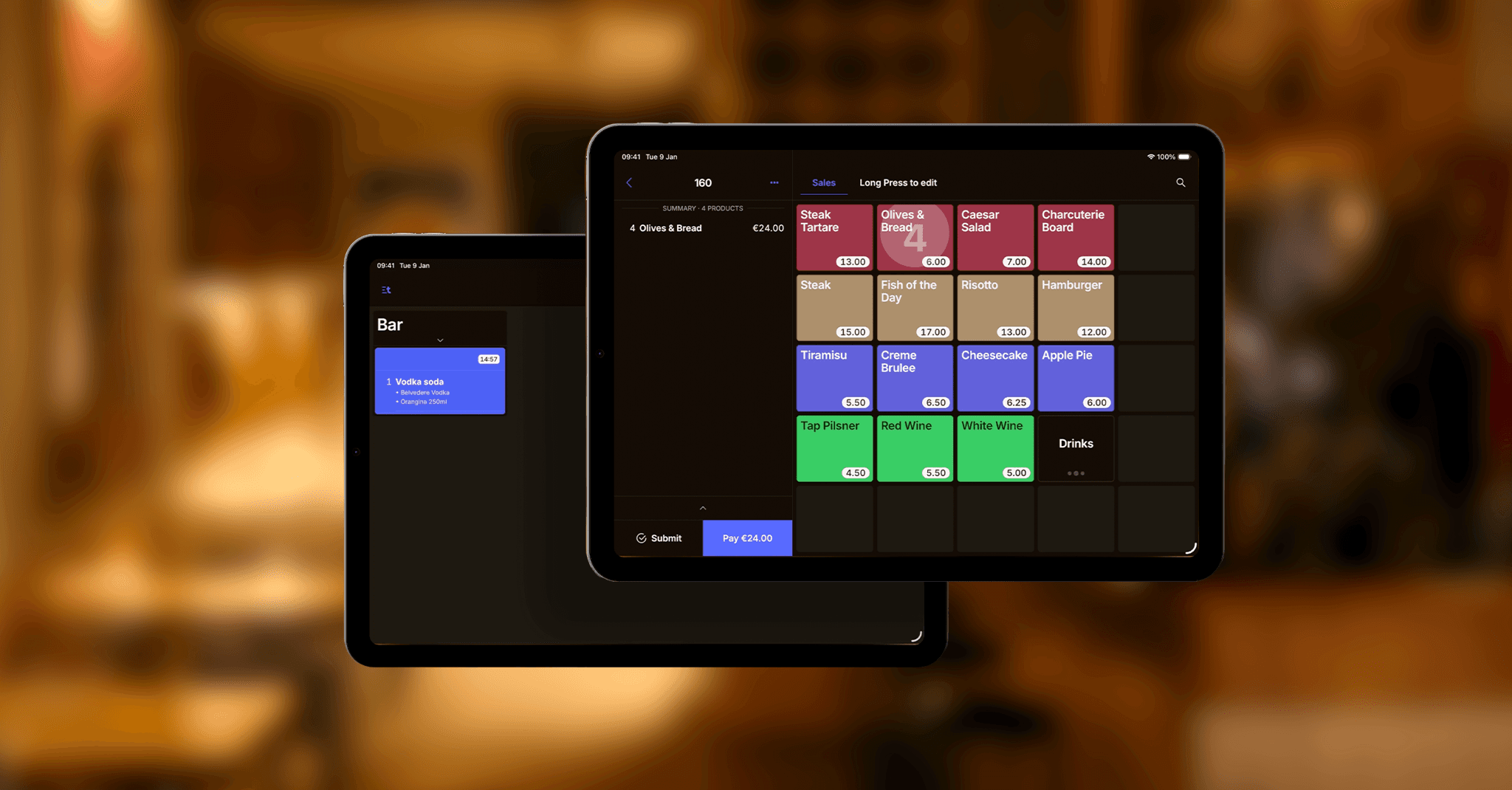
Your sales grid can now show order quantities — how many of an item are in the current order, right on the tile. No scrolling through the ticket to check if you already added that third espresso. Enable it in Preferences in the App.
If you use Counter Sales mode, prep station tickets now go out only after the sale is paid. Your station doesn't start prepping until payment has gone through. Also, if you try to exit a sale that's still open, Tebi now asks what to do: discard it, submit it to prep without paying, or go back and continue to payment, so you never forget a sale.
You can also build or edit your sales grid straight from the Back Office — create, delete, and rearrange tiles without being at your venue. Need a starting point? Try the auto-generated layout based on your product types.
A new Home and Store in the Back Office
You’ve probably noticed a new page when you login to the Back Office: a new Home page. It gives you a quick snapshot of how your venue is doing today: revenue, number of sales, and a summary of upcoming reservations. More to come to help you spot what matters in the moment and make this page yours.
On your Home and in your nav, you'll also see a new Tebi Hardware Store. Browse and order tablets, printers, kitchen screens and accessories. Soon you can order Terminals through this store, too.
Reservations: better communications, easier setup
We’ve added several Reservations updates that help fill your tables easier:
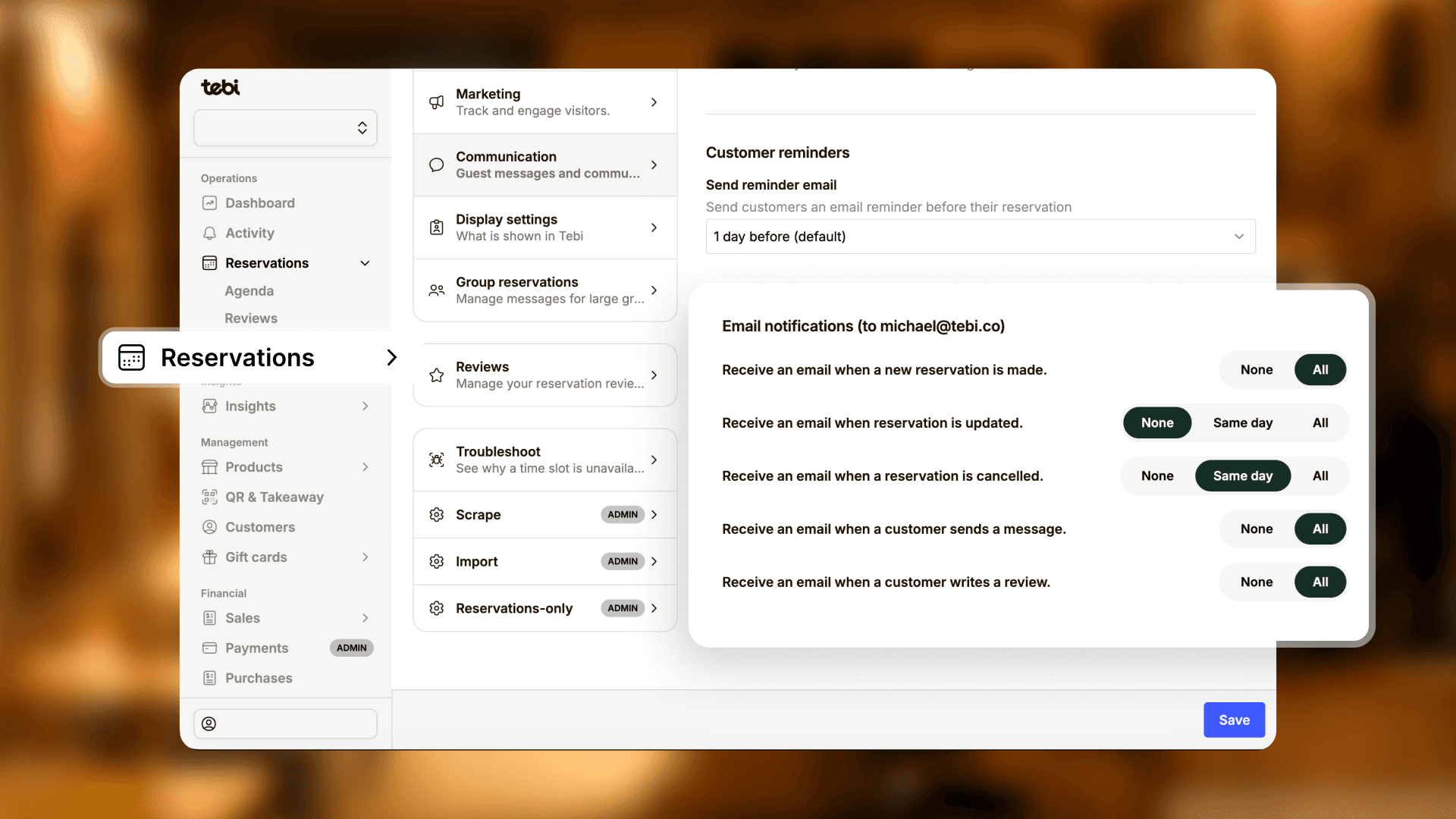
Email notifications are now available for new, canceled, and updated reservations. Set up which events trigger a notification, and stop checking the app just to see if something changed.
Set how many days before a reservation guests receive a reminder email, or turn reminders off entirely.
The reservation widget has a fresh look: cleaner layout, smoother transitions, better branding. That's the first phase of a bigger redesign rolling out over the coming weeks.
Small, but mighty improvements
Set order limits on Takeaway: a default cap, like 10 orders per 15 minutes, with override rules for busy periods like Friday evenings. Keeps the kitchen manageable without switching Takeaway off.
Show your full menu details while QR ordering is off. Helpful when you want to use your menu for allergies, but don’t do QR ordering.
Tips can now be added when sending or receiving invoices.
A new '00' button has been added to the payments keypad.
Read the full list on the changelog >
Did you know? Product sales by the hour
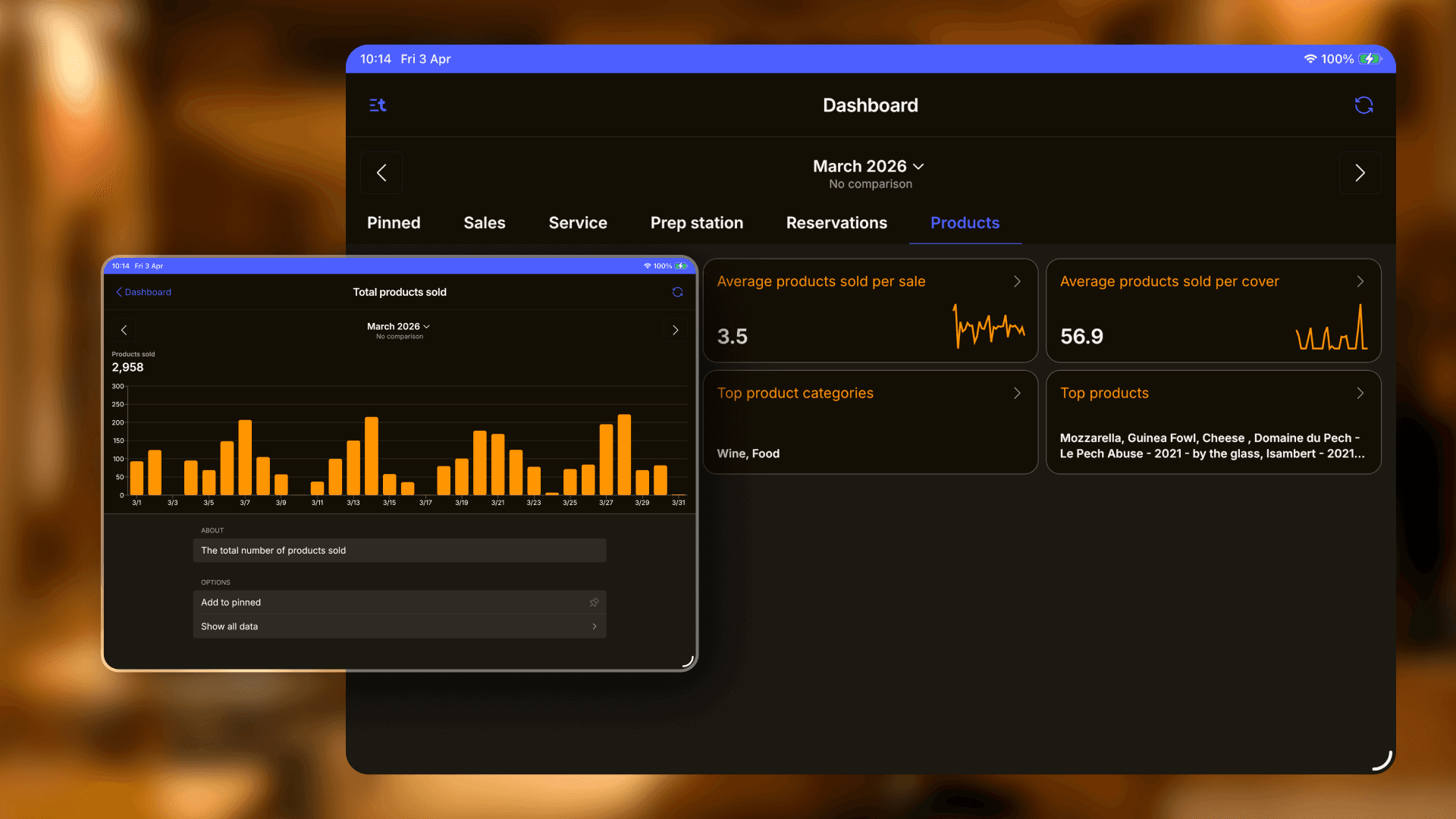
Your Dashboard shows top-selling products. But you can go deeper than the overview.
Click any product in the Products tab to open its detail view. Switch to a specific day, and you get product sales broken down by hour — revenue, volume, comparisons to previous periods.
Say you want to know whether to prep more banana bread for Tuesday afternoon. Check how it sold last Tuesday at 3pm. Plan your prep and your ordering around actual numbers instead of guessing.